Choosing a used network attached storage (NAS) system is not just about finding the cheapest box. You have to decide how many drives you want to run, whether it sits on a desk or in a rack, and what you are willing to supply yourself. These four used NAS units cover a wide range of form factors and prices, and each one has a different answer to the same question: how much storage do you actually need? The right choice comes down to matching the unit to your existing hardware and your comfort with adding drives.
Quick take
All four are used units, so the real decision is how much you want to supply yourself. The price spread is wide, and the options differ in drive-bay count and form factor. Your first move should be to decide which form factor you need and how many spare drives you already have.
Listed Price Comparison
| Product | Listed Price | Price Bar | Bays | Notable features |
|---|---|---|---|---|
| NETGEAR ReadyNAS 202 (RN202) | $71.00 | 2 | Hot-swap bays, dual Gigabit, USB 3.0 | |
| NETGEAR ReadyNAS RND-6A | $129.99 | 6 | Tested working, RJ-45, USB-A | |
| Netgear ReadyNAS 2100 | $149.99 | 4 | PC/Mac, 3.5-inch HDD support | |
| 5-Bay NAS Enclosure w/ Drive Trays | $170.00 | 5 | Drive trays, power LED on |
Decision Matrix
| If your priority is... | Consider | Why |
|---|---|---|
| Lowest entry price | NETGEAR ReadyNAS 202 (RN202) | The least expensive unit in this group |
| Large storage expansion | NETGEAR ReadyNAS RND-6A | A higher bay count than the other NETGEAR models |
| Rack-style chassis | Netgear ReadyNAS 2100 | Built for rack installation |
| Drive trays included | 5-Bay NAS Enclosure with Drive Trays | Includes trays and a bare chassis |
Product Notes
#### NETGEAR ReadyNAS 202 (RN202)
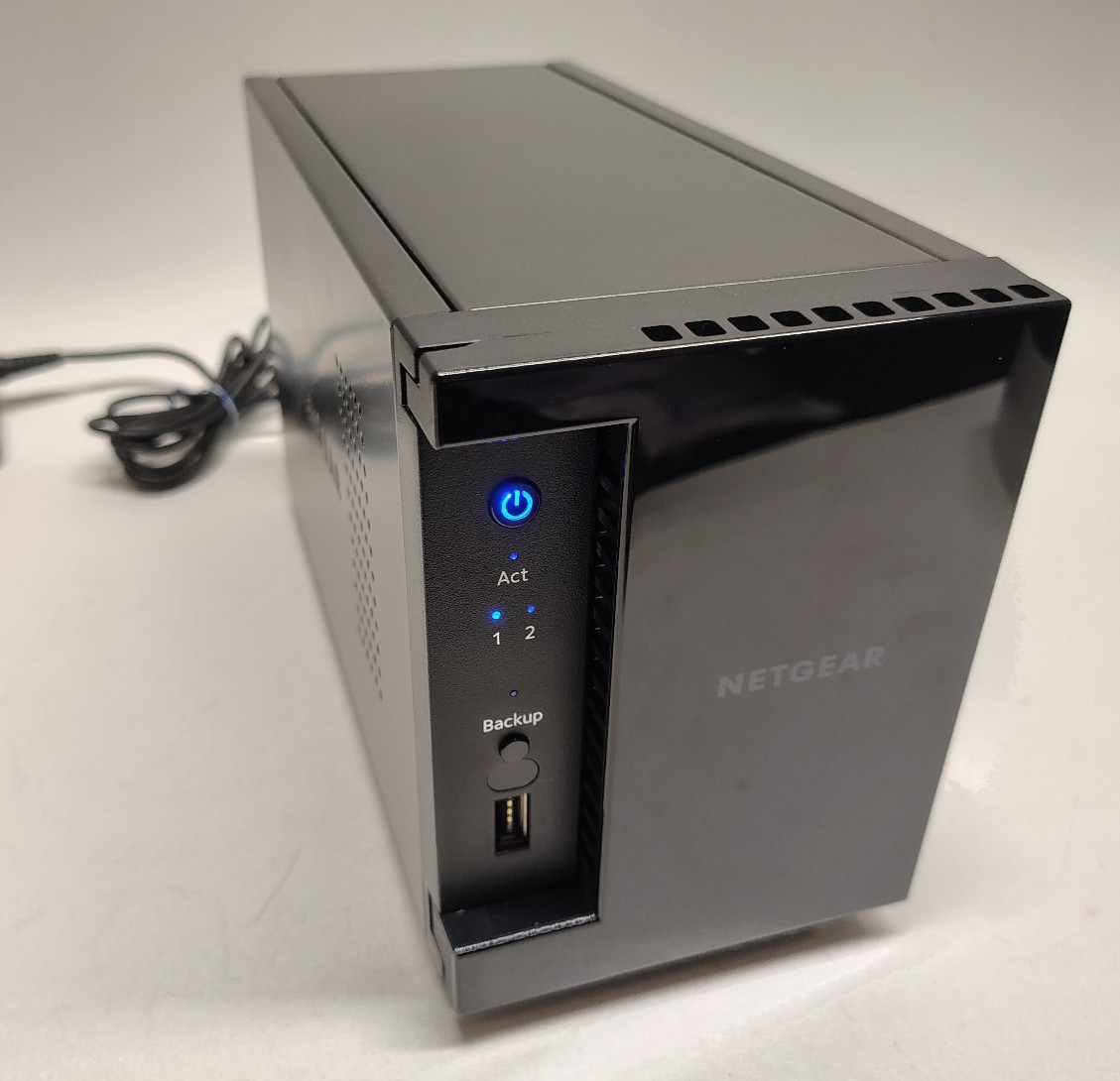
At $71, this is the least expensive way to get into this group of used NAS units. It is a two-bay unit with hot-swappable bays, two Gigabit Ethernet ports, and USB 3.0. It also has 2GB of RAM and a 1.4GHz dual-core processor, which is enough for everyday file sharing and backups. Choose it when you want a low-cost entry point and two bays will cover your needs. The limitation is the used condition and the fact that accessories not shown in the pictures are not included, so you may need to supply cables or a power adapter.
#### NETGEAR ReadyNAS RND-6A (RNDU6000-100NAS)
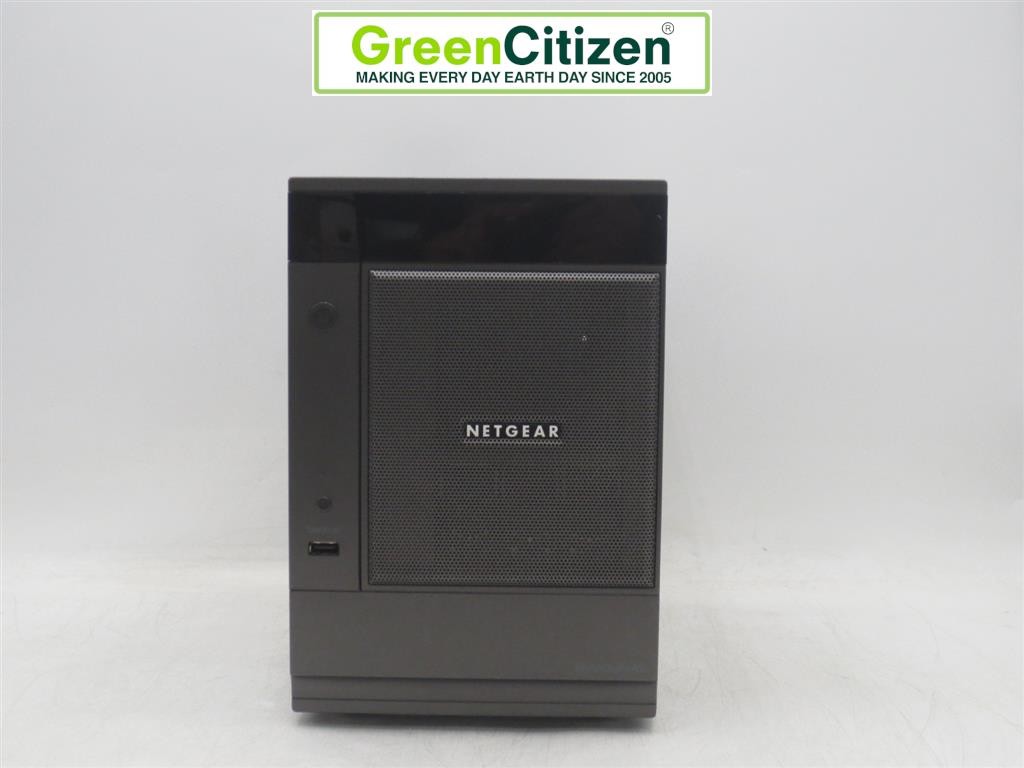
For $129.99, this six-bay ReadyNAS gives you more drive bays than the other NETGEAR models in this roundup. It has been tested and is working, with RJ-45 and USB-A connections. Cosmetically, it shows scratches and scrapes, so it is not a display piece. The trade-off is that cables and hard drives are not included, and only the items pictured come with the unit. If you have drives ready to install and you want the expandability of six bays without a rackmount setup, this is the model to choose. The main drawback is the worn exterior and the need to provide drives and cables before you can use it.
#### Netgear ReadyNAS 2100 (RNRX4410-100NAS)
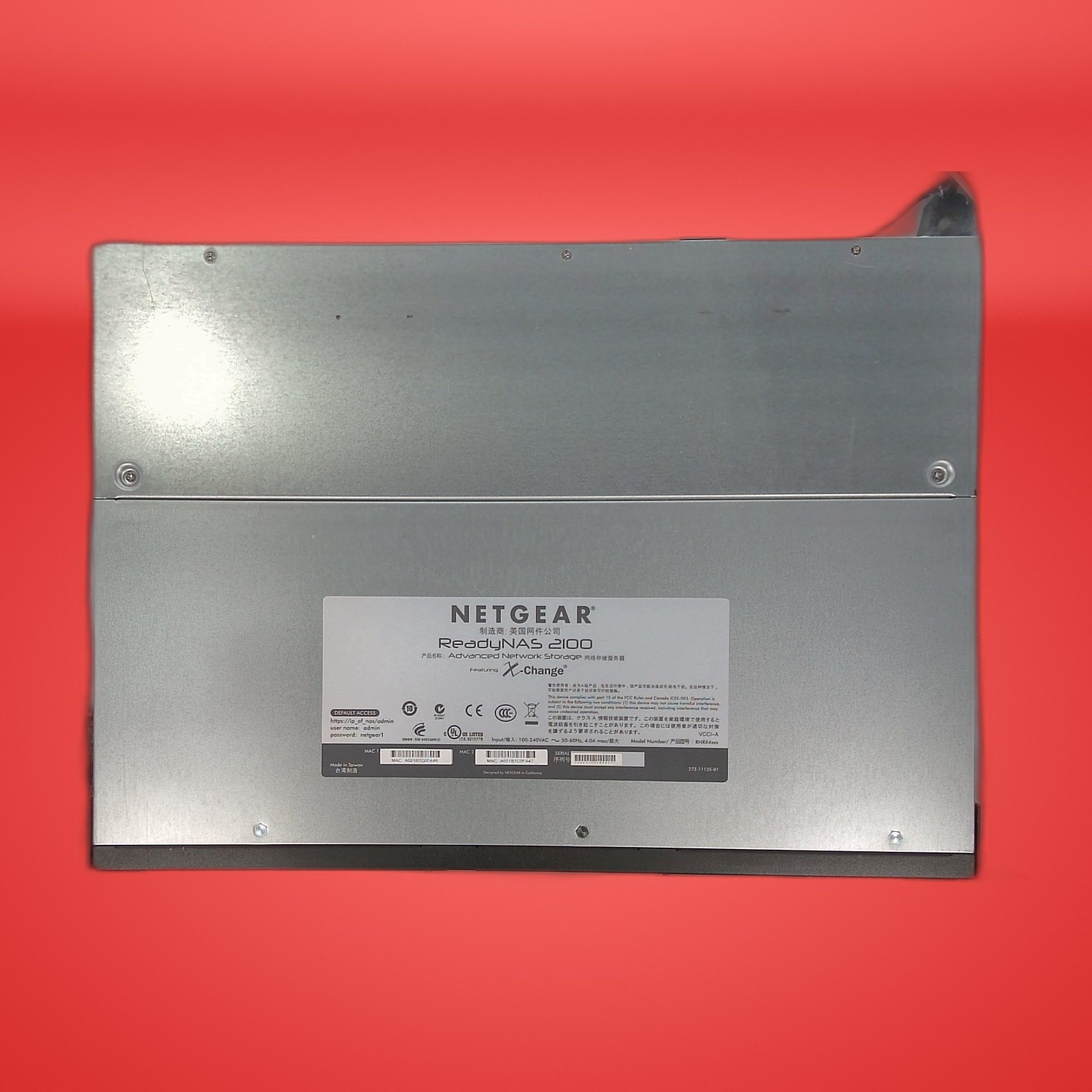
This rackmount unit is priced at $149.99 and gives you four 3.5-inch drive bays. It works with PCs and Macs and uses USB 3.0. This model ships with no HDDs and no power adapter, so you will need to add both before you can power it on. It is refurbished and tested, with possible cosmetic wear. Pick it if your network gear is already in a rack or you want to consolidate storage into a rackmount chassis. The limitation is the missing power supply and drives, which add to the total investment. If you are okay with that, the four bays offer a workable middle ground between the two-bay and six-bay units.
#### 5-Bay NAS Enclosure with Drive Trays
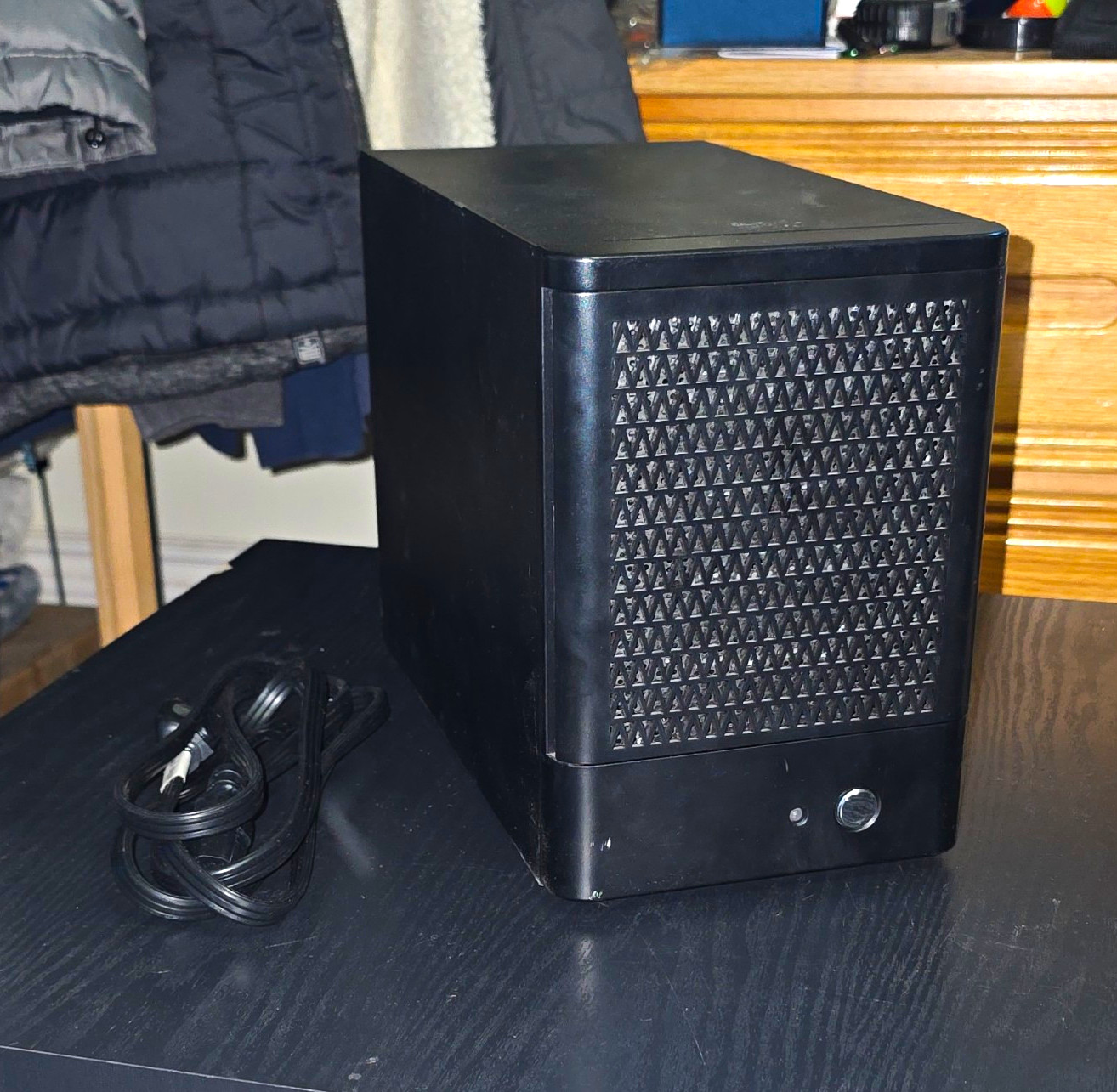
The most expensive unit here at $170, this five-bay enclosure comes with drive trays and is designed for home or small office use. The power indicator turns on, but no additional testing has been done. For someone who wants a bare chassis and is comfortable handling their own installation and testing, the included trays are a practical plus. It is made in the United States. The limitation is the lack of testing: if you buy this, plan to inspect the unit and test it with your own drives before relying on it. The five bays give you room to expand, but only if you accept the extra unknowns.
Final Recommendation by Use Case
If you want the lowest-cost way into a NAS, start with the NETGEAR ReadyNAS 202. If you need the most drive bays in this group and are comfortable with cosmetic wear, the ReadyNAS RND-6A is the one. For a rackmount setup, the ReadyNAS 2100 is the only unit here built for that purpose. And if you want a bare enclosure with drive trays and plan to test it yourself, choose the 5-Bay NAS Enclosure. Several of these used systems do not include drives, so factor storage into your total budget.